Workflows
The Workflows list
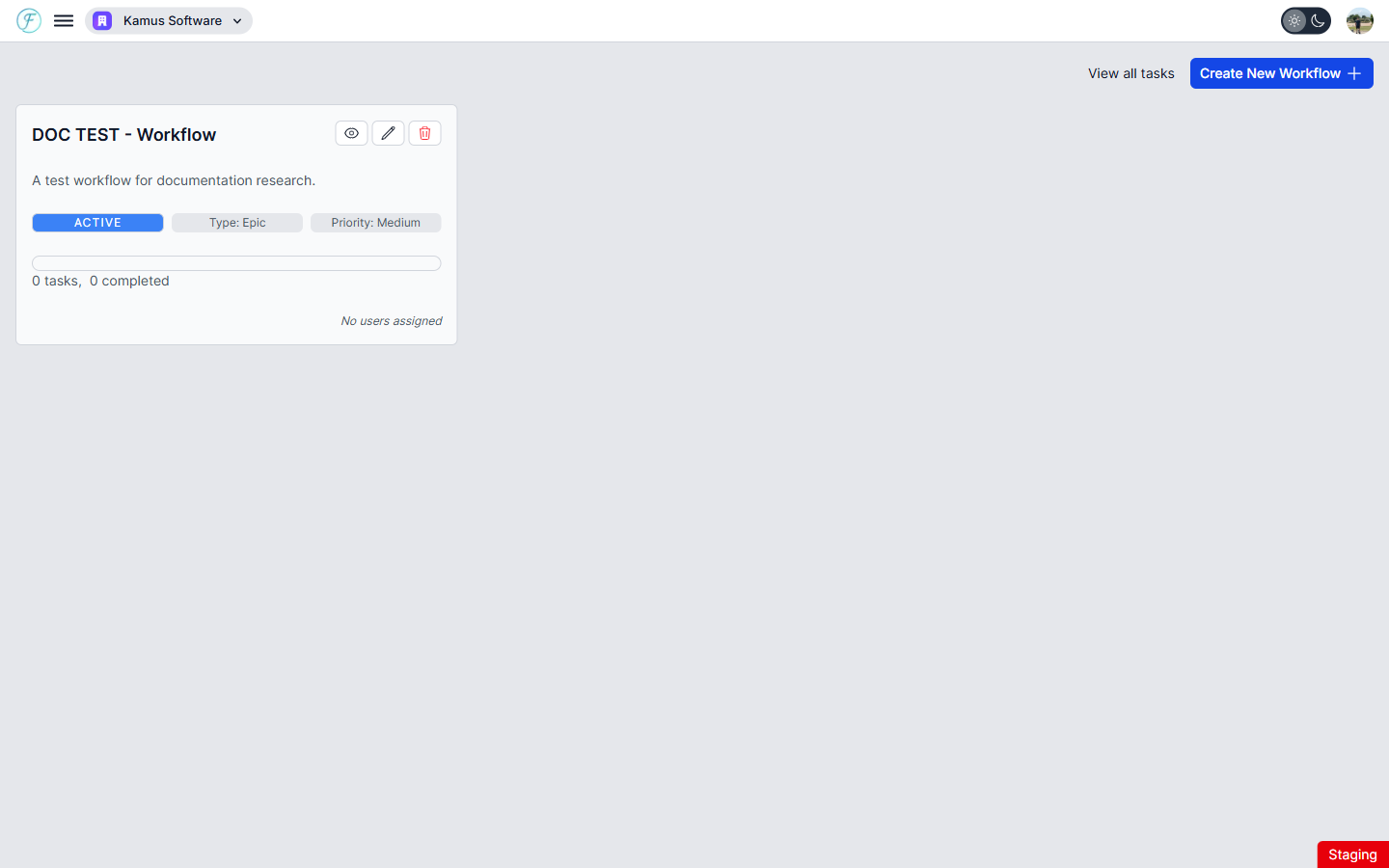
Select Workflows from the sidebar to open your workflows list. Each workflow is displayed as a card showing its name, description, status, type, priority, a progress bar tracking completed vs. total tasks, task count, due date, and assigned team members.
If no workflows have been created yet, the page shows an empty state with a link to the Tasks page for creating tasks without a workflow.
Use the View all tasks link at the top right to navigate directly to the All Tasks page.