Dashboard
Overview
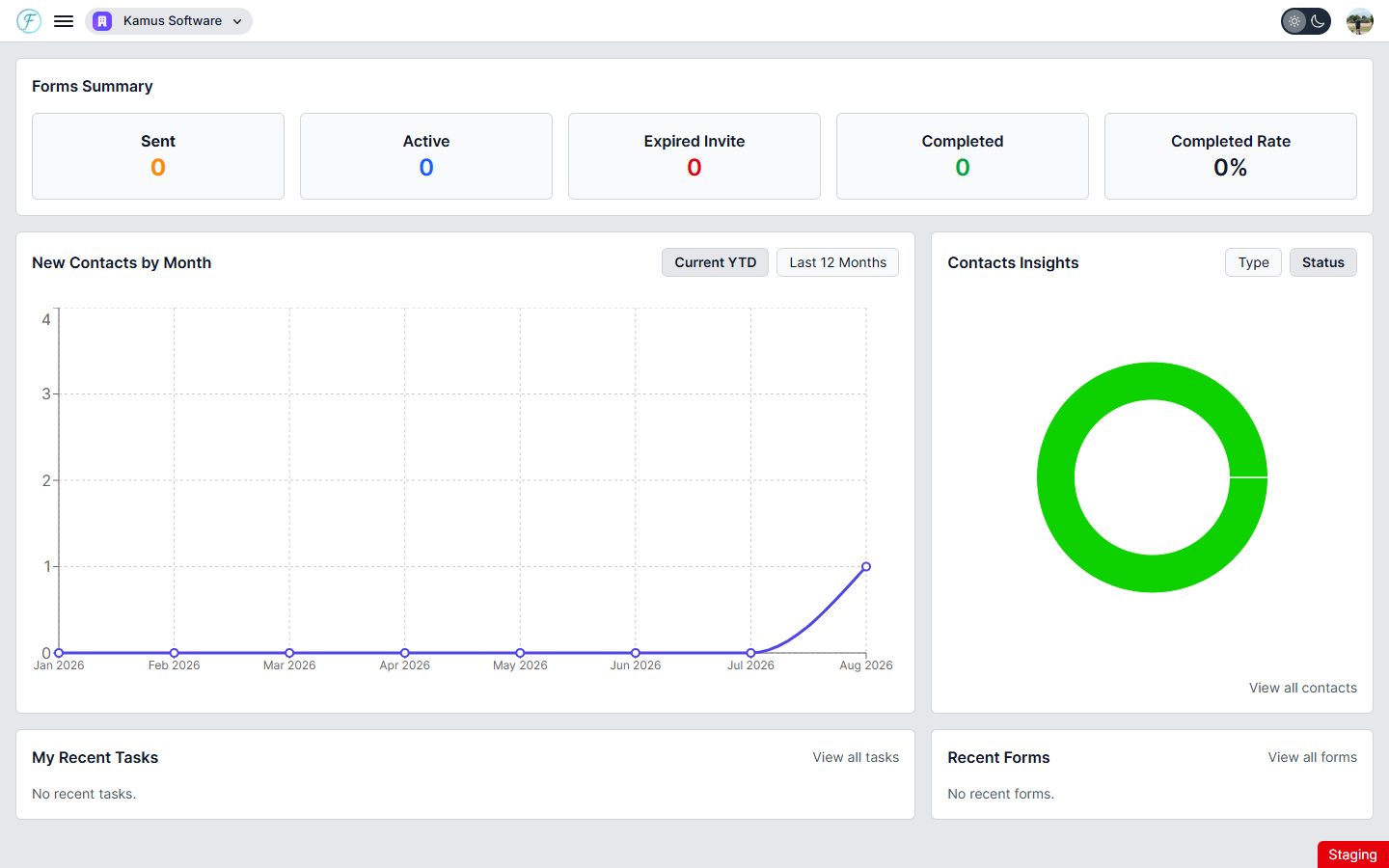
The Dashboard is the first page you see after signing in. Once you have contacts, forms, and tasks in Flow CRM, the Dashboard fills with live data drawn from across your organization. It is read-only — use the "View all" links or the sidebar to navigate to the relevant section when you want to take action.
The Dashboard is divided into five sections: Forms Summary, New Contacts by Month, Contacts Insights, My Recent Tasks, and Recent Forms.